
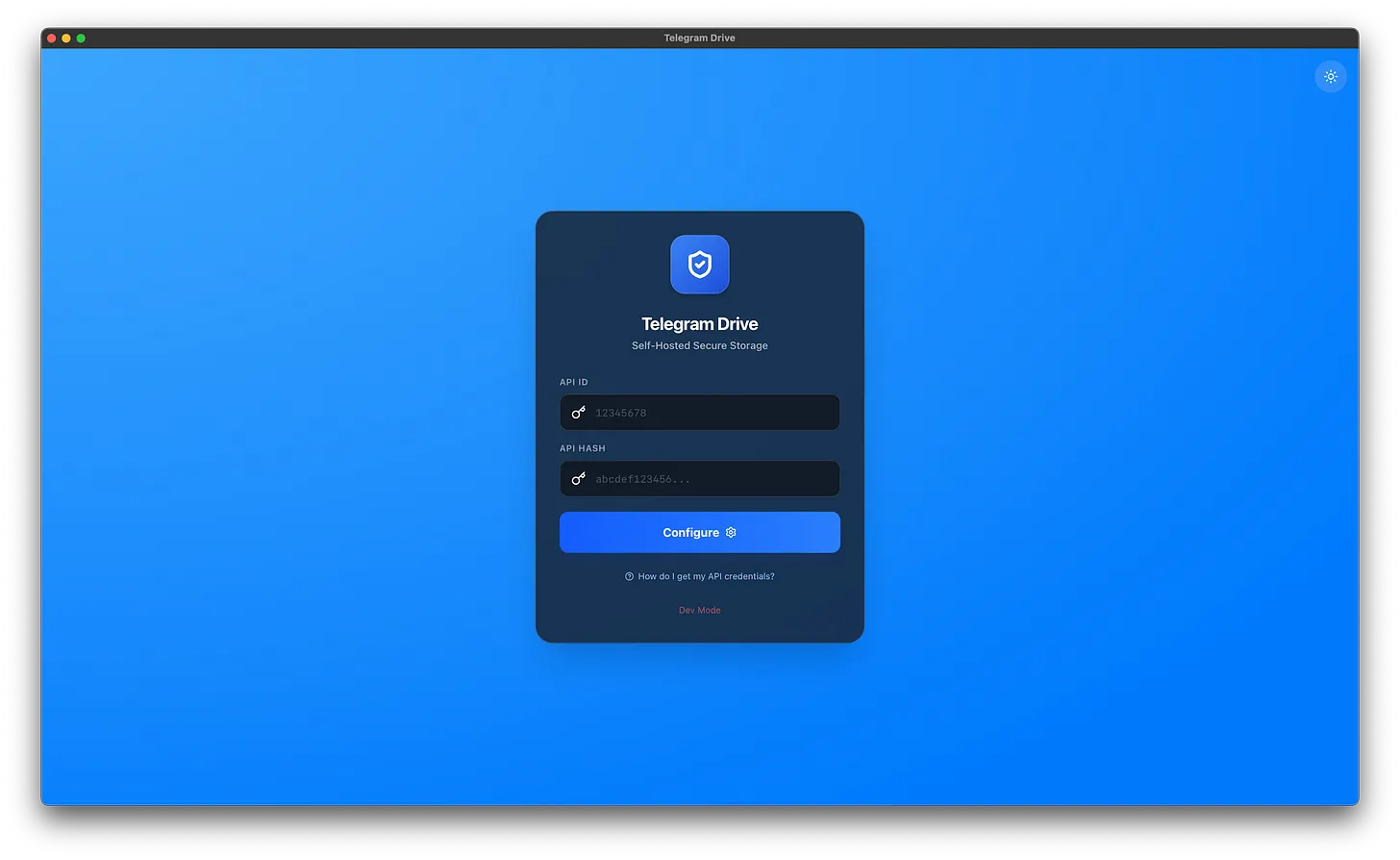
What is Telegram Drive?
Telegram Drive is a free and open-source application that lets you use your Telegram Cloud like Google Drive. It provides an easy way to upload, download, organize, and manage your files through a desktop application, with features such as folder management, video streaming, and built-in file browsing.
✔ Google Drive-like File Explorer
✔ Drag & Drop File Upload
✔ Thumbnail Preview
✔ Built-in PDF Viewer
✔ Video Streaming
✔ Folder Management
✔ Supports Windows, Linux, and macOS
✔ Open Source
✔ Uses Your Own Telegram Account
Download & Installation Guide
Step 1 — Download and Install Telegram Drive
Download the latest version of Telegram Drive using the link below.
Once the download is complete, install the application on your computer.
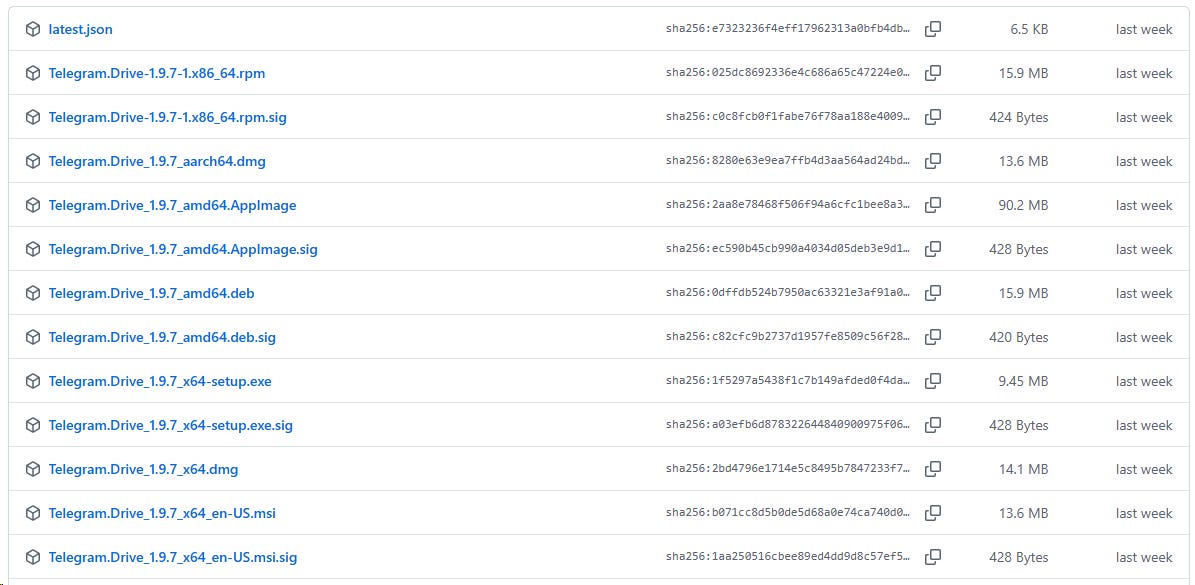
After installation, launch Telegram Drive. You will see a screen similar to the one below.
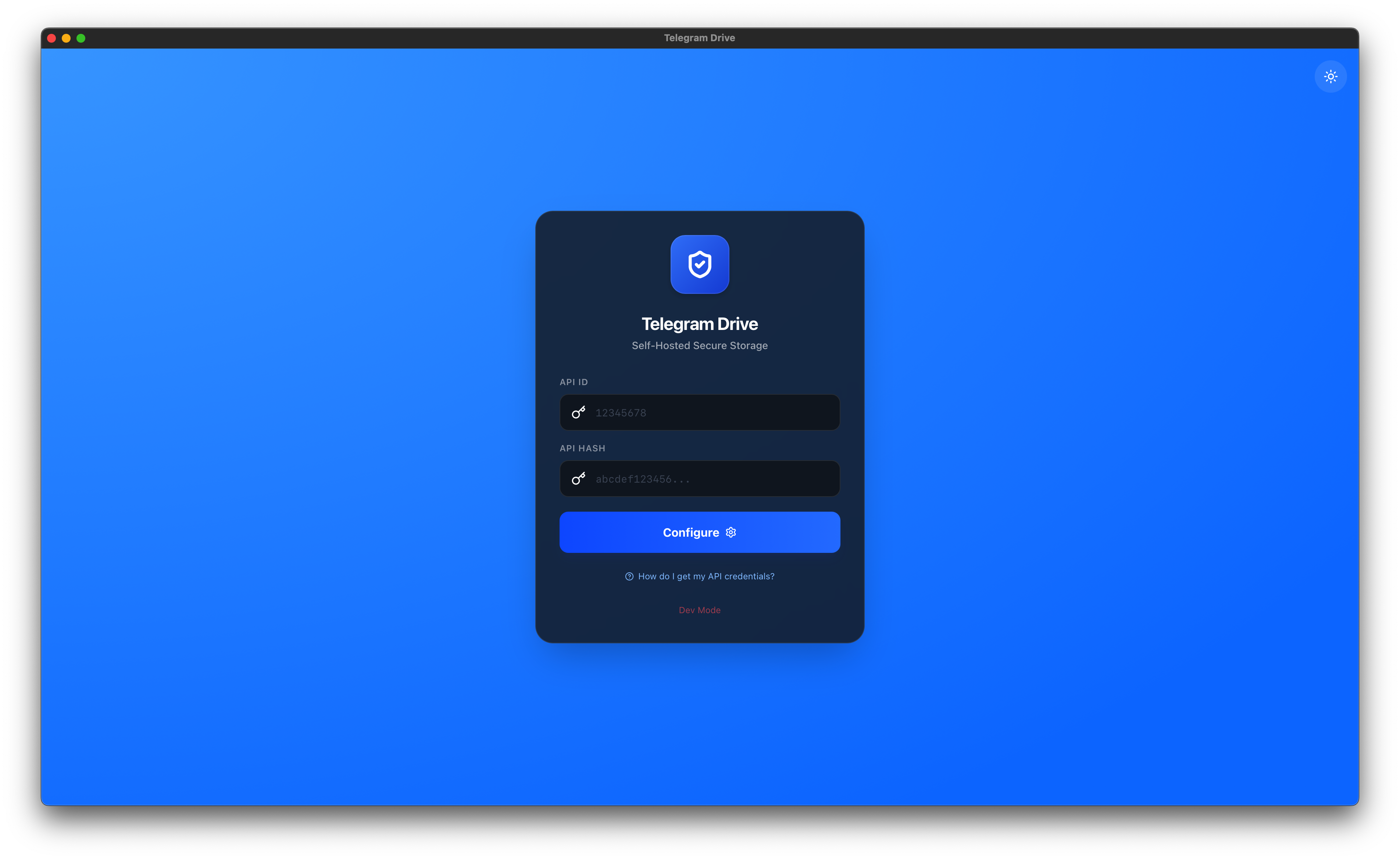
Step 2 — Create Your API ID and API Hash
Before using Telegram Drive for the first time, you’ll need to create a Telegram API ID and API Hash. This is a one-time setup.
How to Create Them
1. Go to my.telegram.org
2. Sign in using your Telegram phone number.
3. Click API Development Tools.
4. Fill in the required information.
App Title: Enter any name (for example: Telegram Drive)
Short Name: Enter any unique name.
Once you’ve filled in the information, click Create App.
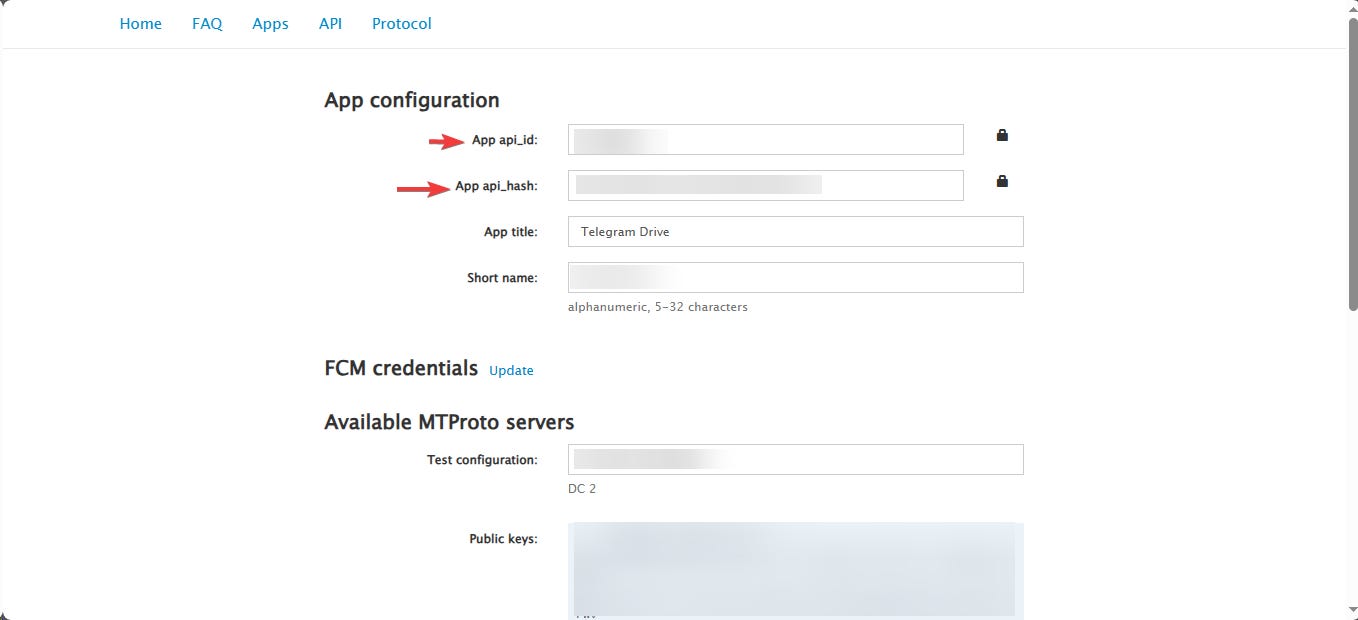
Step 3 — Copy Your API ID and API Hash
After creating the application, you’ll be provided with the following credentials:
API ID
API Hash
Copy both values. You’ll need them in the next step.
Step 4 — Configure Telegram Drive
Open the Telegram Drive application.
Paste the following credentials into their respective fields:
API ID
API Hash
Then click the Configure button.
Step 5 — Sign In to Your Telegram Account
After clicking Configure, you’ll be asked to enter your Telegram phone number.
Telegram will then send you a verification code (OTP).
Enter the OTP to complete the sign-in process.
After the initial setup, Telegram Drive saves your session locally, so you typically won’t need to enter your API credentials or OTP again unless you sign out or reset the application.
What Can You Do with Telegram Drive?
Once Telegram Drive is set up, you can:
Create folders to organize your files.
Upload files using Drag & Drop.
Preview images with thumbnails.
Open and read PDF files directly.
Stream videos without downloading them first.
Search through thousands of files instantly.
Organize different projects into separate folders for easier management.

Comments
0No comments yet - be the first to share your thoughts.